

What is RTC Agent
One-liner: An open-source website AI assistant backend. Integrate a transparent, efficient, and cost-effective AI assistant into your website with just a few lines of code via the standardized Remote Tool Calling protocol.
RTC Agent lets AI reason on the server while tools execute on the frontend — reading page content, operating a virtual file system, calling business APIs — all synchronized in real-time over WebSocket, fully visible to your users.
Who Should Use RTC Agent?
Section titled “Who Should Use RTC Agent?”- SaaS product teams: Want to add an AI assistant to their product without restructuring the backend
- Frontend developers: Want to quickly integrate AI capabilities, focusing on business logic rather than AI infrastructure
- Privacy-sensitive applications: Healthcare, finance, enterprise internal tools — where data cannot leave the user’s device
Core Capabilities
Section titled “Core Capabilities”Frontend Virtual File System
Section titled “Frontend Virtual File System”Built on IndexedDB, AI tools (read / ls / grep) operate directly on frontend files. Data never leaves the user’s browser.
Script Tool + Function Composition
Section titled “Script Tool + Function Composition”Developers only need to maintain their own Function library. The Agent executes them on the frontend via the script tool and can freely combine multiple Functions to accomplish complex tasks — no predefined workflows needed.
💡 Developer’s perspective: You just define your business atomic capabilities (Functions), and the Agent learns how to combine them on its own. It’s like giving AI a set of LEGO bricks — it figures out how to build what you want.
Real-Time Communication
Section titled “Real-Time Communication”Built on Centrifuge WebSocket, with bidirectional message pushing, supporting streaming output, tool call progress, and state synchronization.
Memory System
Section titled “Memory System”Dual-layer memory: Session Memory (conversation context compression) + User Memory (cross-session long-term memory with keyword retrieval). AI truly “remembers” your users.
Context Management
Section titled “Context Management”Automatically compresses long conversations, keeping token consumption under control. Say goodbye to “context length exceeded” errors.
Multimodal Understanding
Section titled “Multimodal Understanding”Supports image and text file attachments — the Agent can recognize and understand image content, performing comprehensive analysis in combination with text context.
Sub-Agents + Goal-Driven Execution
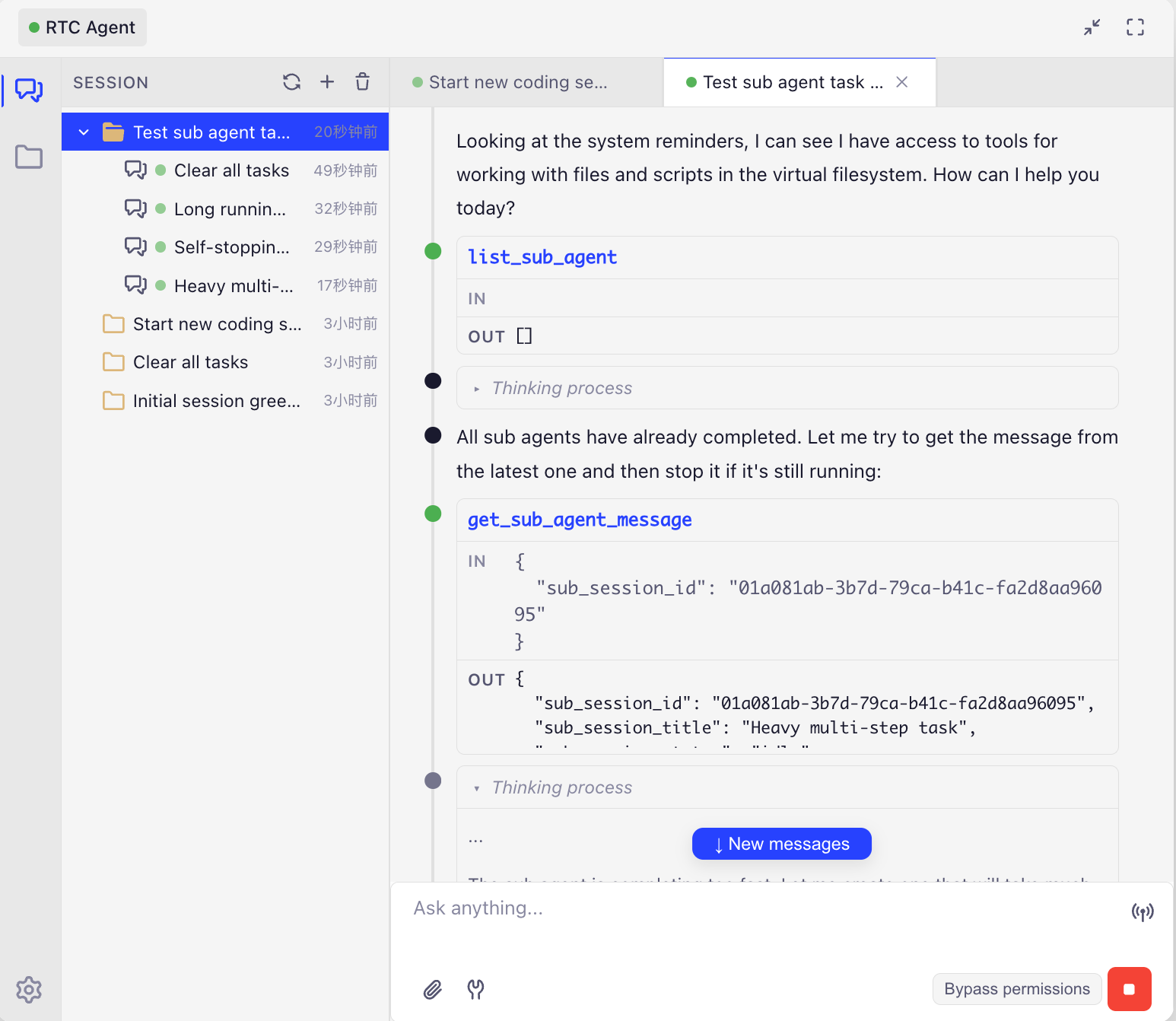
Section titled “Sub-Agents + Goal-Driven Execution”Complex tasks are automatically decomposed, with multiple specialized sub-agents working in parallel. AI sets, tracks, and completes multi-step goals, with turn-boundary checkpoints ensuring no task is lost.
Architecture
Section titled “Architecture”Core data flow:
- All Function and file data live in the browser’s IndexedDB — the server never touches business data
- The Agent Engine sends tool calls to the browser via the RTC protocol; the browser executes and returns results
- Memory and context management run on the server, optimizing conversation quality
How It Works
Section titled “How It Works”Key Differences
Section titled “Key Differences”| Traditional Approach | RTC | RTC + Function | |
|---|---|---|---|
| Tool execution location | Server-side ❌ | Frontend ✅ | Frontend ✅ |
| Data flow | Uploaded to cloud 🔒 | Stays on user device 🔐 | Stays on user device 🔐 |
| Extension method | Modify server code | Define frontend tools | Just define Functions; the Agent learns to compose them |
Comparison with Other AI Assistant Solutions
Section titled “Comparison with Other AI Assistant Solutions”| Solution | Integration Cost | Observability | Token Cost | Error Rate | Privacy & Security |
|---|---|---|---|---|---|
| RTC Agent | Low — a few lines of code | Fully transparent | Low | Low | Data stays on frontend |
| Visual Parsing (Screenshot + OCR) | Medium | Black box | Very high | Relatively high | Requires uploading screenshots |
| DOM Crawling (Server-side parsing) | Complex | Partially visible | Medium | Medium | Data uploaded to cloud |
| Browser Extension | Requires installation | Good | Medium | Medium | Runs locally |
Every solution has its place: visual parsing works well for legacy systems with zero modification, and browser extensions suit offline scenarios. RTC Agent’s advantage is — no installation, no screenshots, no server-side changes — just a few lines of code to let AI understand and operate your website in a structured way.
Next Steps
Section titled “Next Steps”- Getting Started — Integrate RTC Agent in 5 minutes
- Core Concepts — Deep dive into the RTC protocol and virtual file system
- Integration Guide — Learn how to register Functions and write Scenarios